Phones and electronics in Slough: buying and selling second-hand safely
Buying or selling a used phone, tablet, laptop or console in Slough? The checks to make, how to wipe your data, and how to pay and meet safely.
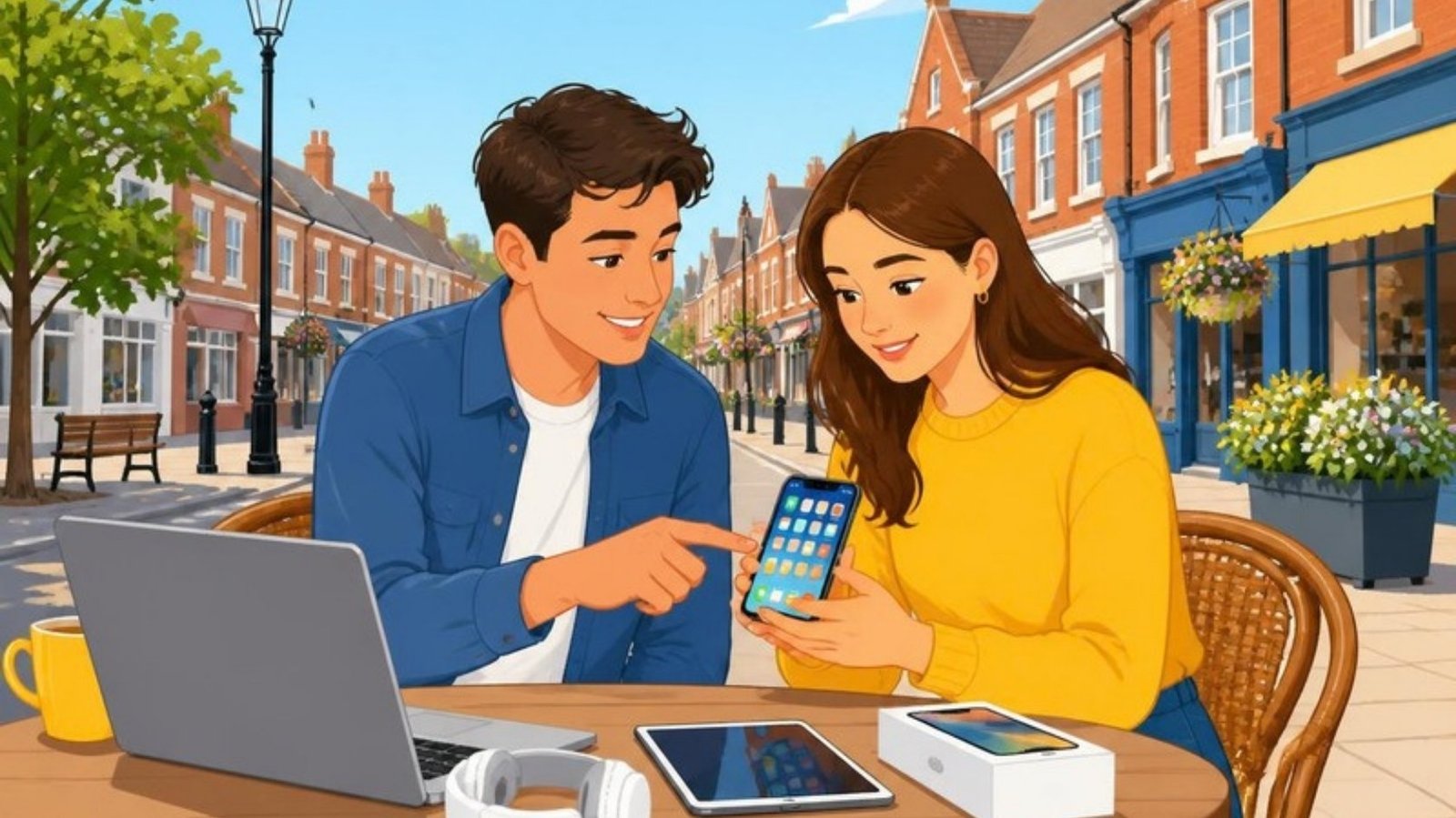
Upgraded your phone and left the old one in a drawer? Looking for a cheaper laptop for college, or a games console for the kids? Second-hand phones and electronics can be great value, but they need a few extra checks. Here’s how to buy and sell phones, tablets, laptops and other electronics safely in Slough and nearby.
What you’ll find on Benta
- PhonesiPhones, Android phones and basic phones, unlocked or on a network.
- Tablets and e-readersiPads, Android tablets and Kindles.
- Laptops and computersLaptops, desktops, monitors, keyboards and printers.
- Games and consolesConsoles, controllers and games.
- TV and audioTVs, soundbars, speakers and headphones.
- Cameras and smart homeCameras, smart speakers, doorbells and accessories.
Part 1: Buying a second-hand phone or tablet
1. Know exactly what you’re buying
Check the model, storage size and colour, and whether it’s unlocked or locked to a network. A locked phone will only work with that network’s SIM cards. Compare the price with similar phones nearby and with refurbished prices online.
2. Check it isn’t lost, stolen or blocked
- Ask the seller for the IMEI number. You can see it by dialling *#06# on the phone, or in its settings. Make sure it matches the box and any receipt.
- An online IMEI check can show whether the phone has been reported lost or stolen, or blocked by a network. A blocked phone won’t make calls on any UK network.
- Ask for proof of purchase if the phone is fairly new or expensive.
3. Make sure it’s unlinked from the old owner
This is the most important check. If the seller’s account is still on the phone, you may not be able to use it after a reset.
- iPhone and iPad: Find My must be turned off and the seller’s Apple Account removed. After a reset, the phone should show the “Hello” setup screen and not ask for someone else’s Apple Account.
- Android: the seller’s Google account must be removed before the reset. Otherwise the phone may ask for their Google login when you set it up.
The safest way is to ask the seller to sign out and reset the phone in front of you, then start setting it up before you pay.
4. Test it properly
- Check the screen for cracks, dead pixels and touch problems all over the screen.
- Put your own SIM in and make a quick call. Test the speaker, the microphone and mobile data.
- Try the cameras, Wi-Fi, Bluetooth, buttons, charging port and face or fingerprint unlock.
- Check the battery health. On an iPhone it’s under Settings › Battery. A low figure means the battery may need replacing soon.
- Look for signs of water damage or repairs, such as missing screws or a screen that doesn’t sit flat.
Buying laptops, consoles and other electronics
- Laptops: ask to see it switched on. Check the keyboard, trackpad, screen, ports, webcam and battery, and that it has been reset with a fresh copy of Windows or macOS. A Mac shouldn’t ask for the previous owner’s Apple Account after a reset.
- Games consoles: test it with a game and controller, and check the seller has signed out of their accounts.
- TVs and audio: see it working, check the remote is included, and look for marks or lines on the screen.
- Chargers and cables: use genuine or good-quality chargers with a UK plug. Cheap fake chargers can overheat and cause fires.
Paying safely
- Meet somewhere busy and public, such as the town centre or a well-lit shopping area, and test the item before you pay.
- Be very wary of prices that seem too good to be true. Stolen and fake phones are often sold this way.
- Never pay in advance for a phone to be posted to you by someone you haven’t met.
- Pay by bank transfer at the meeting, or cash, and get a simple receipt with the model, IMEI number, price and date.
- Keep your chat on Benta until you’ve arranged to meet.
Part 2: Selling your phone or electronics
1. Back up and wipe your data
- Back up your photos, contacts and messages to your new device or to the cloud.
- Sign out of everything: turn off Find My and sign out of your Apple Account on Apple devices, or remove your Google and Samsung accounts on Android.
- Unpair any smartwatch, and remove the device from your account’s list of trusted devices online.
- Factory reset the device, so all your data is erased.
- Remove your SIM card and any memory card.
For laptops, reset Windows or macOS so it erases your files. For consoles, sign out of your accounts and reset to factory settings.
2. Unlock it if you can
Unlocked phones are easier to sell and usually worth more. If your phone is locked to a network, contact your network to ask about unlocking it. Most UK networks now unlock phones for free.
3. Write a clear, honest ad
Include the model, storage size, colour, condition, battery health if you know it, whether it’s unlocked, and what’s included, such as the box, charger and case. Mention any scratches, cracks or faults. A good title looks like this: “iPhone 13, 128GB, unlocked, battery 89%, with box”.
Take clear photos of the front, the back, the edges and the screen switched on. Benta allows up to 8 photos.
4. Price it to sell
Check what similar models sell for nearby, and compare with trade-in offers. Selling privately usually gets you more than a trade-in, while a trade-in is quicker.
Ready? Post your phone or electronics on Benta. Choose Something for sale, then Phones and tablets or Electronics. It’s free and goes live straight away.
5. Stay safe when you sell
- Meet in a busy public place, and bring someone with you if you can.
- Keep hold of the phone until the money has actually arrived in your account. Payment screenshots and “confirmation” emails can be faked.
- Don’t let anyone walk off with the phone “to test it”.
Broken or old electronics
Don’t put old phones, chargers, cables or batteries in your normal bin. Batteries can cause fires in bin lorries. Many shops that sell electricals will take old ones back for recycling, and you can also take them to the council’s household recycling centre. If a device still works but isn’t worth much, list it in Free stuff, as someone may be glad of a spare phone or an old laptop for schoolwork. Always wipe your data first.
Upgrading or looking for a bargain? Browse phones and tablets or electronics in Slough, or sell yours for free and chat directly with people nearby on Benta.
Read more in our guide to buying and selling safely.
Got something to sell, let or share?
Post your ad on Benta in minutes. It's free, and you can chat with people nearby straight away.